
Does Instagram Notify When You Search Someone?
Does Instagram notify when you search someone? No: a search, a profile visit and a look at their followers send nothing. What does notify, and where you appear.
 SpyFollr team7 min read
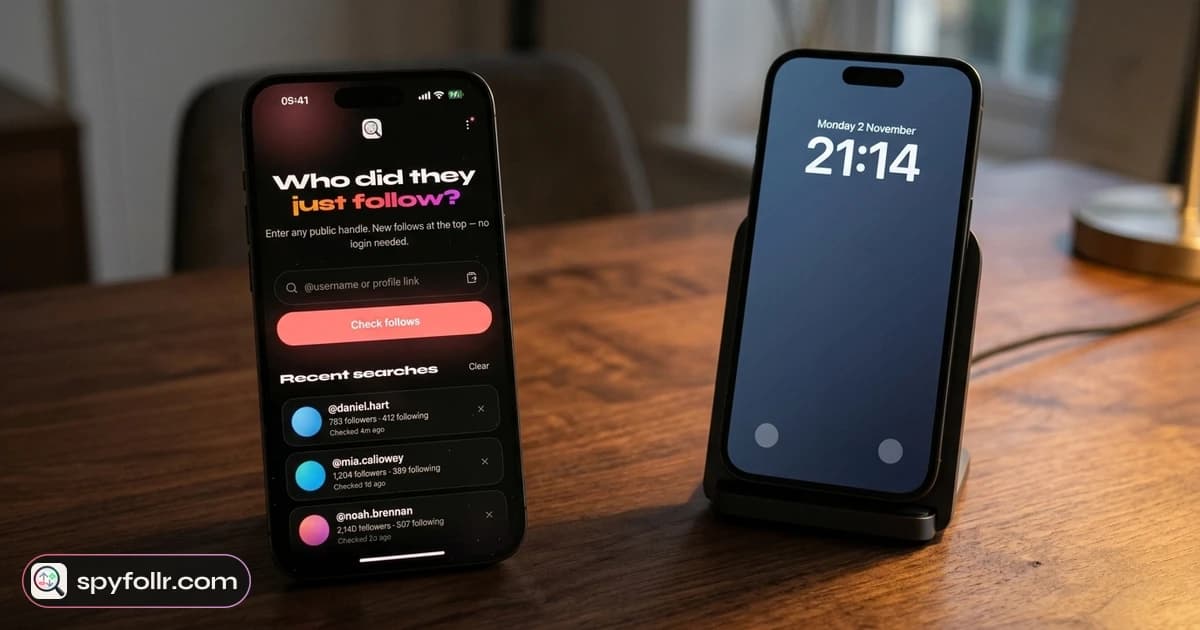
Does Instagram notify when you search someone? No. Typing a name into Instagram search, opening the profile and scrolling through it sends the other person nothing: no notification, no badge, no entry in their activity. That holds however many times you search them, and it also holds when you open their Followers or Following list.
What Instagram does keep is a record on your side: your own recent searches. And a few things you might do while you are on the profile are visible to them. This guide goes through what stays private, what does not, and the one place a search can come back to you.
The short answer
| What you do on someone's profile | Do they find out? |
|---|---|
| Search their name | No |
| Open their profile, scroll the posts | No |
| Open their Followers or Following list | No |
| Search them many times a day | No, there is no counter |
| Watch their story while logged in | Yes, your name is in the story's viewer list |
| Join their live video | Yes, your name appears among the viewers |
| Like, comment, follow, send a message | Yes, each of these notifies them |
| Accidentally double-tap a photo | Yes, that is a like, even if you undo it quickly |
Does Instagram notify when you search someone, step by step
A search on Instagram is a request from your phone to Instagram's servers: "find accounts that match this text". The account you find is not part of that conversation. Instagram has no "who searched for you" feature, and there is no setting anywhere that would show it to the person you searched.
The same is true of everything you do just by looking:
- Opening the profile. A profile visit is not reported. Instagram does not offer a list of profile visitors, even to business and creator accounts. Their insights show how many accounts were reached, never who.
- Scrolling posts and reels. Post and reel view counts are totals. No names are attached.
- Opening their follow lists. Looking at who someone follows, or who follows them, sends nothing. If you want to read those lists well, our guide on how to see who someone follows on Instagram covers it.
- Taking a screenshot of the profile. Instagram does not notify anyone about screenshots of profiles, posts or stories. The only screenshot it reports is of a disappearing photo or video sent in a chat. Our page on whether Instagram notifies screenshots has the details.
Third-party apps that claim to show "who searched for you" or "who viewed your profile" cannot see this data either, because Instagram does not give it out. Unfollr's guide on who viewed my Instagram profile explains why those apps cannot work.
What does notify the person
Searching is silent, but some actions you take once you are on the profile are not. The common ones:
- Following. They get a notification. If the account is private, they get a follow request with your name on it.
- Likes and comments. Each one notifies them. A like you remove a second later may already have been delivered as a notification.
- Story views. Instagram does not send a notification, but the owner of a story can see the list of accounts that watched it for as long as the story is up. If you watch while logged in, you are on that list.
- Live videos. Viewers who join appear by name on the broadcaster's screen.
- Messages. A message from someone they do not follow lands in their message requests, still with your name.
- Tags and mentions. Tagging them in a post or story, or mentioning them in a comment, notifies them.
So the honest rule is: looking is private, touching is not. The mistakes people make are nearly always a stray double-tap or a story they opened without thinking.
Can anyone see your search history?
Your recent searches are stored in your own account, and only you see them. Instagram's help page on seeing your recent searches describes where they live in the app: accounts, hashtags, audio and places you looked up recently.
There are two real ways a search can be seen, and neither is a notification:
- Someone else holds your phone. Tap the search bar and your recent searches are right there. If you share a device, or hand your phone to someone, clear them first. Instagram explains how on its page about clearing your search history.
- Someone logs in to your account elsewhere. Your searches follow your account, not the device. If anyone else has your password, they can see them too.
Instagram's help has also long noted that clearing is not permanent in one sense: an account you cleared can reappear in your recent searches if you search for it again.
Do you show up in their "Suggested for you"?
This is the question behind most of the worry: "if I search them a lot, will Instagram suggest my account to them?"
Meta describes its Instagram Suggested Accounts system as an AI system that picks accounts for each person based on their interests and activity on Instagram, with signals such as mutual connections. It does not say that being searched puts you in the other person's suggestions, and nobody outside Instagram can test that reliably.
The direction you can observe is the reverse. Search someone often and Instagram may start suggesting them, or similar accounts, to you. Showing up in someone's suggestions is far more often down to mutual followers, shared contacts or a common circle. Unfollr's guide to Instagram's Suggested for you goes through the usual reasons. Even if you did appear in their suggestions, nothing there would say "this person searched you".
How to look someone up without your account at all
If you would rather your account had nothing to do with the lookup, not even in your own search history, you can look up public accounts without Instagram.
SpyFollr looks up any public username in the iPhone app or the web app:
- No Instagram login. SpyFollr never asks for your Instagram password, so the search is not tied to your Instagram account and does not appear in your Instagram search history.
- The account you look up is not notified. Nothing is sent to it.
- Stories without the viewer list. For public accounts you can watch current stories, and your account never appears in their viewer list.
- Follow lists, and what is new on them. You see the public Followers and Following lists. SpyFollr also marks follows it has not seen on that list before as "New", dated the day it first saw them. Our guide on why you can't see recent follows on Instagram explains why that date is the most anyone can get now.
- A few free checks a day, and Pro raises the daily limit. See the recent follow tracker and pricing pages.
What SpyFollr cannot do: show private accounts' posts or lists, tell you who viewed a profile or story, or show likes, comments or messages. Instagram does not make any of that public, and a tool that promises it should be able to explain how.
Looking, fairly
A public profile is public by its owner's choice, and searching for it is ordinary. People look up a new colleague, an old classmate or a shop before they buy. If you keep searching the same person because something feels off, a conversation will tell you more than their profile ever will. And anyone looked up on SpyFollr can ask not to be listed, as described in section 10 of our privacy policy.
FAQ
Does Instagram notify when you search someone?
No. Searching for an account, opening it and scrolling through it sends no notification and leaves nothing in the other person's activity. Only actions like following, liking, commenting, messaging or watching their story while logged in are visible to them.
Can someone see how many times you searched them on Instagram?
No. Instagram has no counter of searches or profile visits for anyone to see, including business and creator accounts.
Does Instagram notify when you look at someone's followers?
No. Opening someone's Followers or Following list is private. They are not told who looked at their lists.
If I search someone on Instagram, will I show up in their suggestions?
Instagram does not say that being searched is a reason to suggest you to that person. Suggestions mostly come from mutual connections, contacts and shared interests. A search is more likely to change what Instagram suggests to you.
Can someone see my Instagram search history?
Only through your own account: on your phone, or on any device logged in as you. Your recent searches are not shown to the people you searched, and you can clear them in the app.
Does viewing a story count as searching someone?
No, but it is different from a search: a story's owner can see the accounts that watched it. Watch while logged in and your name is on that list.