
How to Know If Someone Went Private on Instagram
How to know if someone made their Instagram private: the signs on the profile, why people switch, what you can still see, and how to get a went-private alert.
 SpyFollr team8 min read
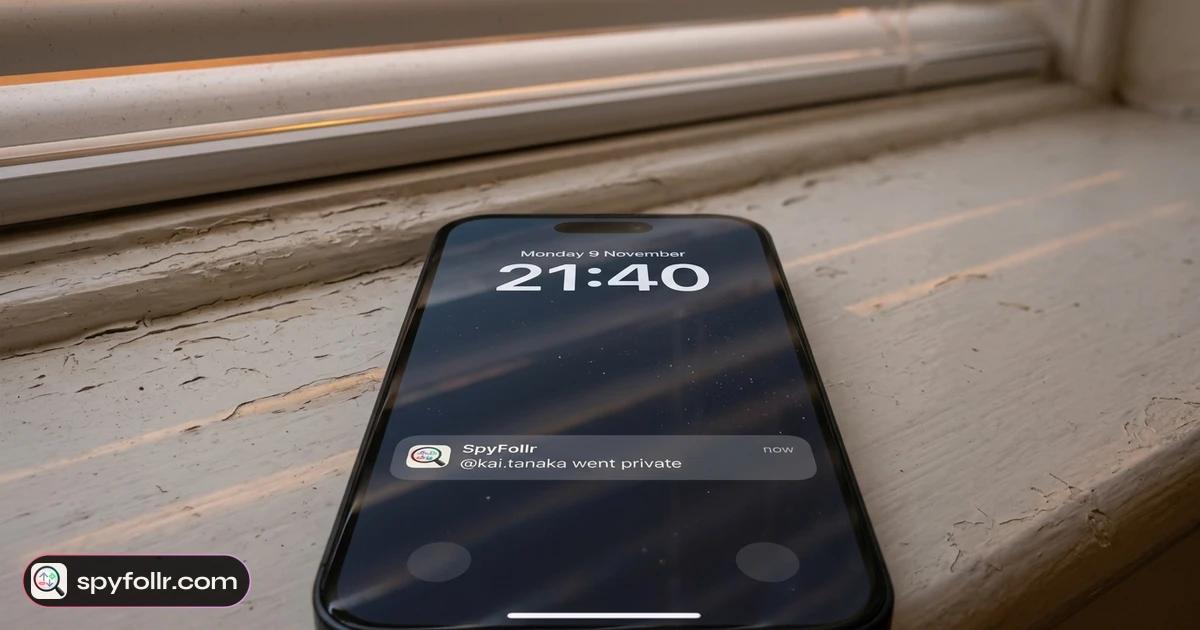
How do you know if someone made their Instagram private? Open their profile from an account that does not follow them. If the posts are gone and Instagram shows "This account is private" with a lock, the account is private now. Instagram does not send anyone a notification when an account switches, so the profile itself is the only sign.
If you already follow them, you may never notice: approved followers keep seeing everything. This guide covers the signs, what changes for followers and non-followers, how to tell going private apart from a deleted or renamed account, and how to get one alert when a public account you keep an eye on goes private. Everything here is about what any public profile shows anyone.
The short answer
| What you see on the profile | What it usually means |
|---|---|
| Name, photo, bio and counts, then "This account is private" | The account is private and you do not follow it |
| The Follow button turns into "Requested" when you tap it | Private: the owner has to approve you |
| Followers and Following counts show, but the lists do not open | Private: only approved followers can open the lists |
| Everything looks normal | You follow them, or the account is still public |
| "Sorry, this page isn't available" or no search result | Not private: the account was deleted, deactivated or renamed |
How to know if someone made their Instagram private
Instagram keeps a private account's header visible to everyone: the username, name, profile photo, bio and the three counts (posts, followers, following). What disappears is everything below it. These are the signs, in the order you are likely to see them:
- "This account is private". Instead of the grid of posts and reels, a non-follower sees a lock and that line, usually with "Follow this account to see their photos and videos".
- The lists stop opening. The follower and following numbers are still there, but tapping them does nothing for a non-follower. If you used to read who they follow, this is often the first thing you notice. Our guide on how to see who someone follows on Instagram explains what is readable on a public account and why a private one is closed.
- Follow becomes a request. Tap Follow and the button says "Requested" instead of "Following". The owner can approve or ignore it.
- Their posts drop out of public places. Posts from a private account stop showing to non-followers in hashtag and location pages, and their stories are only for approved followers.
Instagram's own help page on making your account private describes the setting from the owner's side: once it is on, only approved followers see the posts, reels and stories.
If you already follow them
Nothing changes for an approved follower. You keep seeing their posts, stories and lists, and Instagram does not tell you that the account switched. The simplest check is to look from somewhere that does not follow them: a second account, a friend's phone, or a lookup tool that reads public profiles without logging in (more on that below). If that view says "This account is private", the account is private.
Does Instagram notify you when someone goes private?
No. Switching between public and private is a setting on the owner's account, and Instagram sends no notification about it, to followers or to anyone else. Their existing followers stay; nobody is removed by the switch. New people who want to see the account have to send a follow request.
The reverse is also quiet. When a private account goes public again, there is no alert either. The only way to know is to look at the profile again.
Why would someone suddenly make their Instagram private?
People switch for ordinary reasons far more often than for anything to do with one particular person. The usual ones:
- Teen Account rules. Since September 2024, Instagram puts teens into Teen Accounts that are private by default, and teens under 16 need a parent's permission to loosen those settings. A teenager's account that turns private may simply have been moved over.
- Unwanted attention. Spam follows, strangers in the comments, or a post that travelled further than expected.
- A new job or a job search. Many people lock their personal account before a recruiter or a new manager looks them up.
- A life change. A breakup, a move, a new school. Going private is a way to choose who is still in the audience.
- Switching account type. A business or creator account cannot be private on Instagram. Someone who goes back to a personal account often turns private at the same time.
If the switch came right after a falling-out, it is still their decision to make. A private account is the owner saying who they want to share with, and the respectful response is to accept it rather than look for a way around it.
Private, deleted or renamed: how to tell
When a profile you used to visit looks different, it is not always a privacy change. A quick way to tell the cases apart:
- Private. The header is there with the counts and "This account is private". The account exists and is just closed to non-followers.
- Deactivated or deleted. Searching for the username finds nothing, and the profile link shows "Sorry, this page isn't available". A deactivated account can come back later; a deleted one does not.
- Renamed. The old username finds nothing, but the same person (same photo, same bio) shows up under a new handle. Old links stop working because they point at the old name.
Only the first case is "going private". In the other two, the counts and header disappear as well.
What can you still see on a private account?
From a non-follower's side, only the header: the username, name, profile photo, bio, the posts, followers and following counts, and any link in the bio. That is the whole of it.
There is no honest way to see more. Sites and apps that promise to show a private account's posts, stories or follower list cannot do it, because Instagram does not hand that data out to anyone outside the approved followers. If such a tool asks for your Instagram password, or for a survey before it "unlocks" the account, close it.
One thing you can sometimes see is a private account appearing on a public account's lists. If a private account follows a public one, it shows up in that public account's Followers list like anyone else. That says who it follows among public accounts, and nothing about what it posts.
Get one alert when a watched account goes private
Checking a profile by hand works for one look. If you keep an eye on a public account, such as a creator, a brand or a public page you check often, SpyFollr can do the looking for you:
- No Instagram login. You look up a public username in the iPhone app or the web app. SpyFollr never asks for your Instagram password, and the account you look up is not notified.
- A private account shows its header and stops. If you look up an account that is already private, you see the name, photo and counts with a private badge, and nothing else. The check still counts toward your daily limit.
- A one-time "went private" alert with Pro. Put a public account on your watch list and SpyFollr checks it every few hours. If it goes private, you get one notification that says "@username went private". If it later goes public and then private again, you get one more.
- New follows while it is public. On a watched public account, SpyFollr marks follows it has not seen before as "New", dated the day it first saw them. Our guide on why you can't see recent follows on Instagram explains why that first-seen date is the most anyone can get now.
- A few free checks a day, and Pro raises the daily limit and turns on alerts. See the recent follow tracker and pricing pages.
What SpyFollr cannot do: show anything inside a private account, tell you who viewed a profile or story, or show likes, comments or messages. Once an account goes private, SpyFollr can no longer read its lists, so new follows stop with it.
If you are the one going private
Going private is the strongest setting you have: it closes your posts, stories and both follow lists to everyone you have not approved. Unfollr's guide to Instagram privacy settings walks through it and the settings around it, and does Instagram notify when you search someone covers what other people can and cannot see about your own browsing.
If a public account of yours is being looked up on SpyFollr and you would rather it were not, you can ask for it to be removed and refused, as described in section 10 of our privacy policy and on the support page.
FAQ
Does Instagram notify you when someone makes their account private?
No. Instagram sends no notification when an account switches to private or back to public. You find out by looking at the profile from an account that does not follow it.
If someone goes private, do they lose their followers?
No. Everyone who already followed the account keeps following it and keeps seeing everything. Only new followers need approval.
How can I tell if someone made their Instagram private if I follow them?
You cannot tell from your own account, because approved followers see the profile exactly as before. Look at it from an account that does not follow them, or look it up in a tool that reads public profiles without logging in.
Is "This account is private" the same as being blocked?
No. "This account is private" is what every non-follower sees on a private account, with the name, photo and counts still showing. It says nothing about you personally.
Can you see who a private account follows?
Not from its own lists, which only approved followers can open. A private account does appear in the Followers list of public accounts it follows, so you can sometimes see it there.
Why did someone suddenly make their Instagram private?
Usually for ordinary reasons: Teen Account rules, unwanted attention, a job search, a life change, or a switch back from a business account. It is their choice, and asking them is the only way to know their reason.